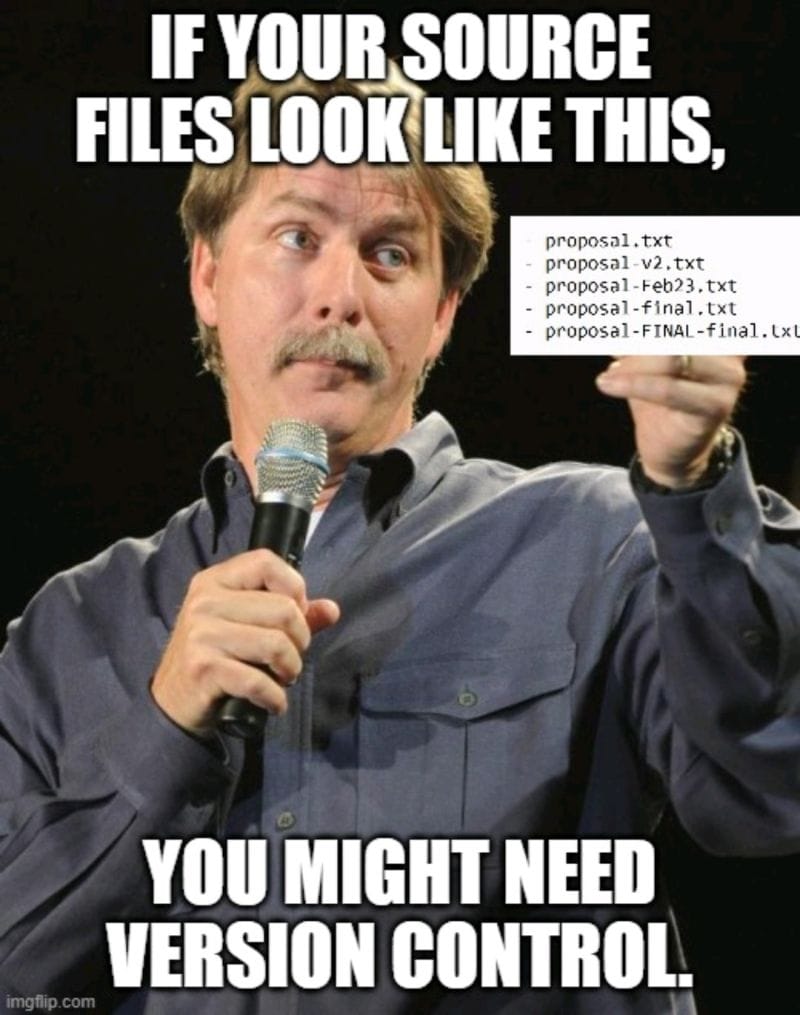
Version control is about documenting the process of creation. It's not just the code, but everything else surrounding your code. This means your configs, your docs, your scripts, the weird one-off thing you wrote at 2am. If it is part of how the thing got built, it belongs in source control.
Why does this matter so much for programming specifically? Because programming is endlessly iterative. You don't write code once and walk away. You change it, break it, fix it, rethink it, and change it again. Every line is the result of a hundred small decisions, and most of those decisions are invisible by the time someone reads the final version.
That is where the real value lives: the history and the motivations behind the code. Why is this function written in such a strange way? The commit history shows it was a workaround for a bug in a dependency. Without that trail, the code just looks wrong, sloppy and unintentional.
Software doesn't stand still. Every change introduces a little disorder. Code that isn't annotated with its history rots. I don't mean that poetically. It suffers from entropy. It gets harder and harder to understand, until eventually nobody wants to touch it because nobody knows why it does what it does. Good version history gives your team a map of how that complexity accumulated and what tradeoffs were made along the way. Every commit is a small note to the next person, often future you, explaining what changed and why.
So commit everything. And when you commit, write the why, not just the what.
The common pattern versioning is Semantic Versioning, or SemVer.
A usual software version number looks like this:
v1.4.2The core version is:
MAJOR.MINOR.PATCHWhat each segment means
1 = MAJOR version
This changes when you make a breaking change.
Example:
1.4.2 → 2.0.0Meaning: “Be careful. Something changed that may break old users.”
4 = MINOR version
This changes when you add a new feature, but old users are still safe.
Example:
1.4.2 → 1.5.0Meaning: “New functionality was added, but existing usage should still work.”
2 = PATCH version
This changes when you make a bug fix or small safe change.
Example:
1.4.2 → 1.4.3Meaning: “Same product, same behavior, just fixed.”
Extra segments you may see
Pre-release
1.4.2-beta.1This means: “This is not final yet.”
Common examples:
1.4.2-alpha1.4.2-beta1.4.2-rc.1rc means release candidate. It is basically saying, “We think this might become the final release, unless we find problems.”
SemVer treats pre-release versions as lower than the final release, so:
1.4.2-beta.1 < 1.4.2